ETA e-invoice
Send signed sales invoices and credit notes to the ETA e-invoicing system straight from the invoice, with the item codes and tax types it requires.
Invoices, credit notes and consumer receipts go to the Egyptian Tax Authority from the documents you already issue, with T1 to T8 taxes and item codes on every line.
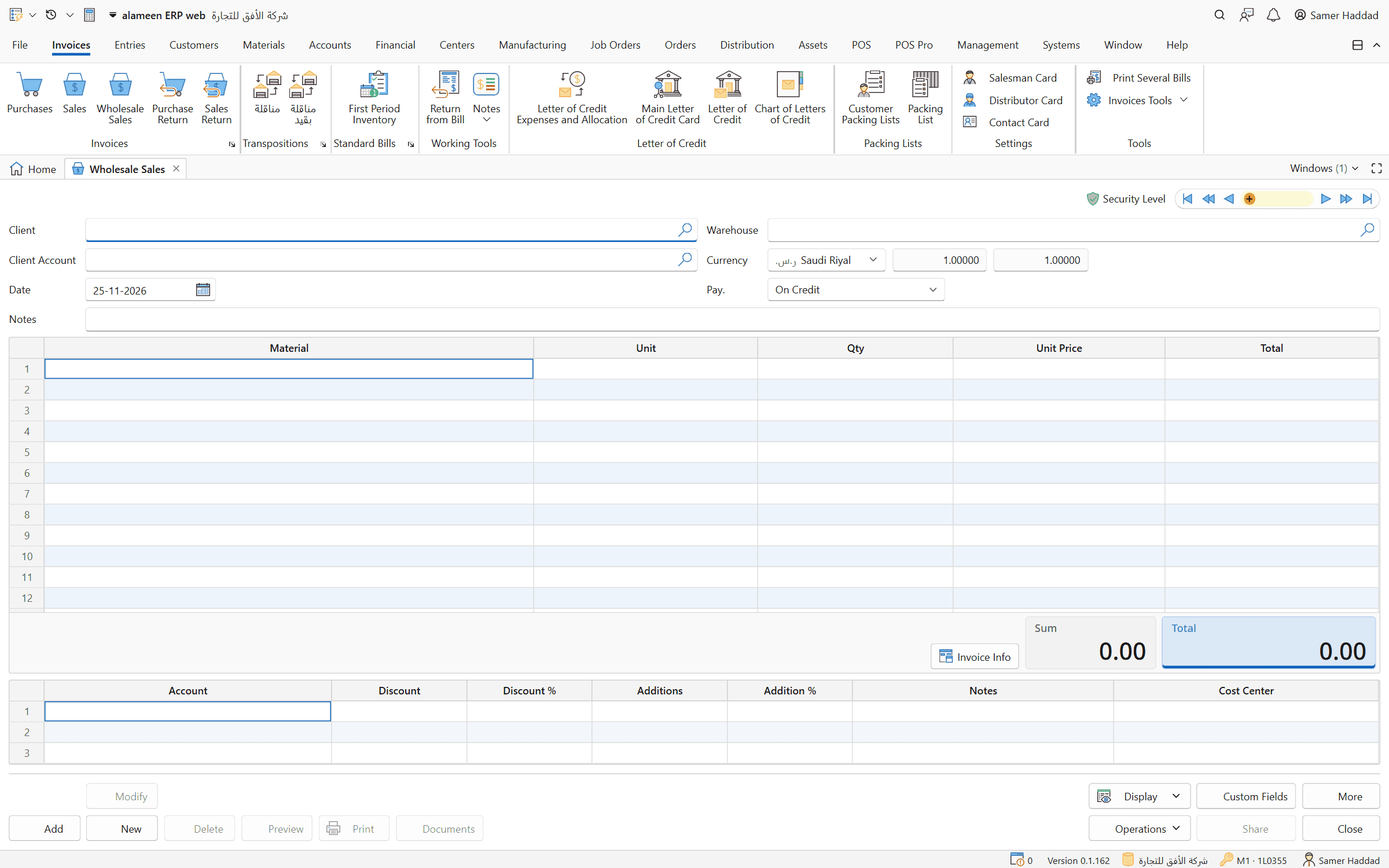
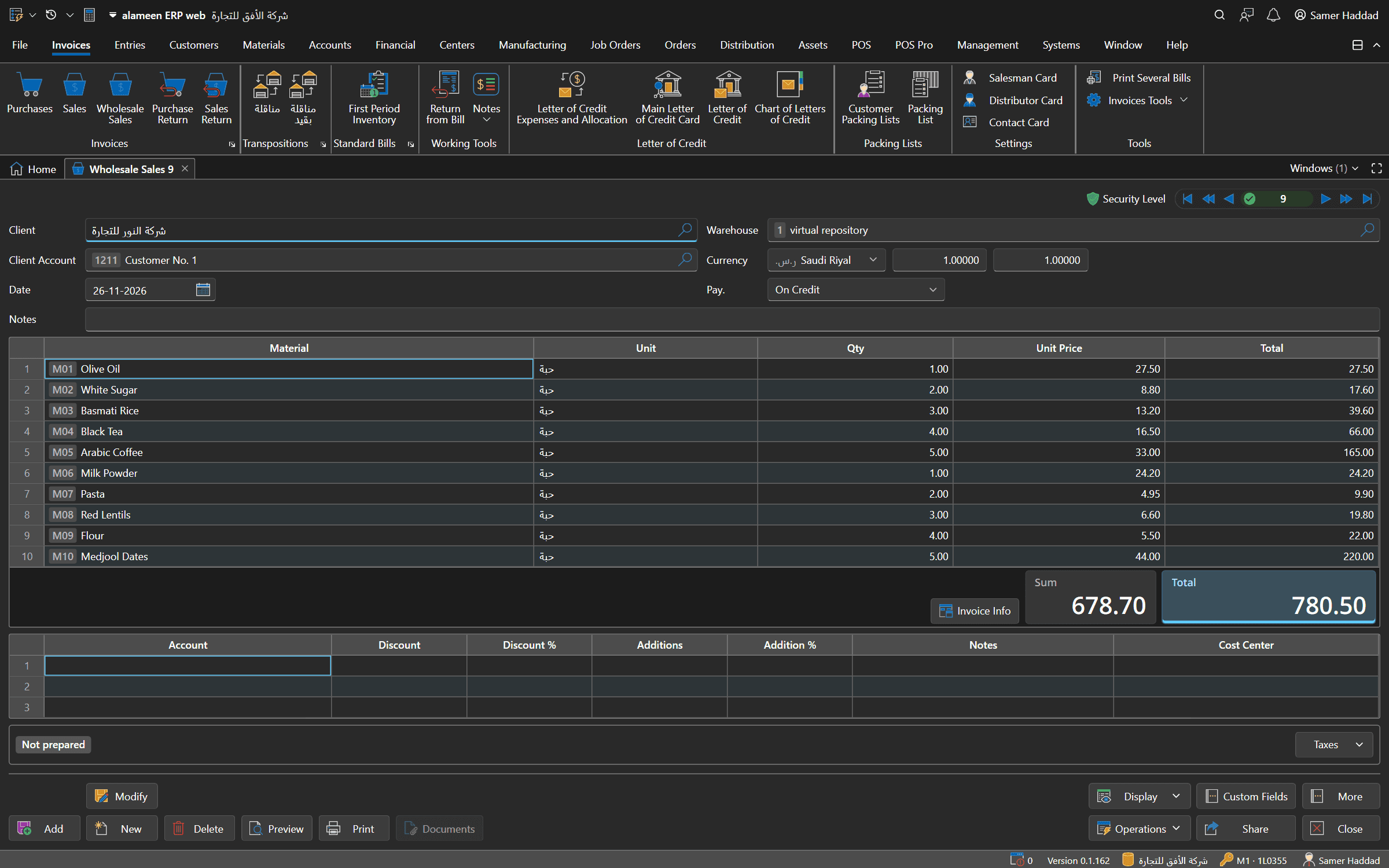
Fifteen modules, one set of books. A sale moves stock, a delivery closes an order, a cheque settles a customer, and the ledger already knows.
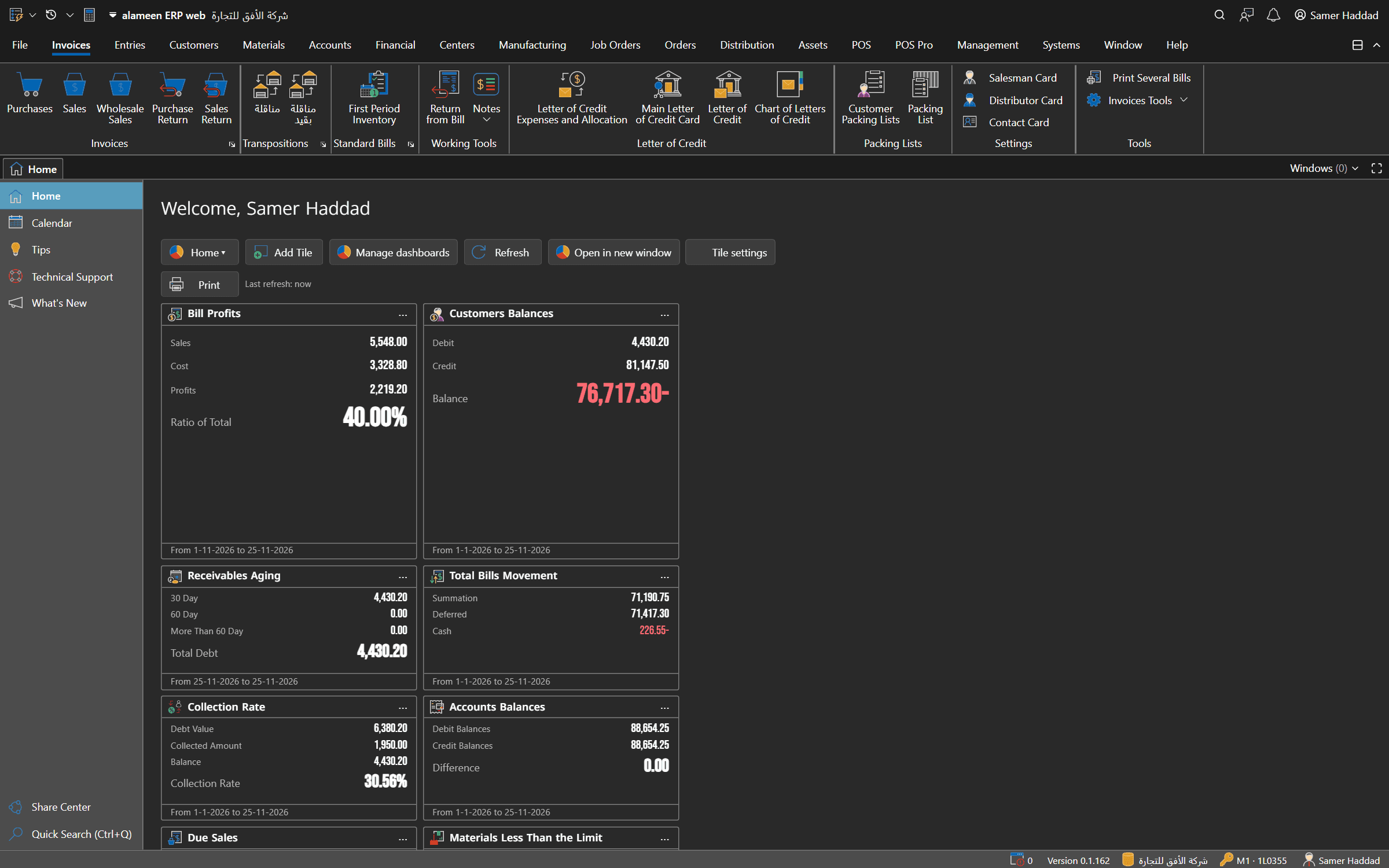
These are screens from alameen ERP Web as your team will use it: real windows, real reports, real print designs.
Price from any basis, stock and cost warnings while you type, units, serials and expiry on every line.
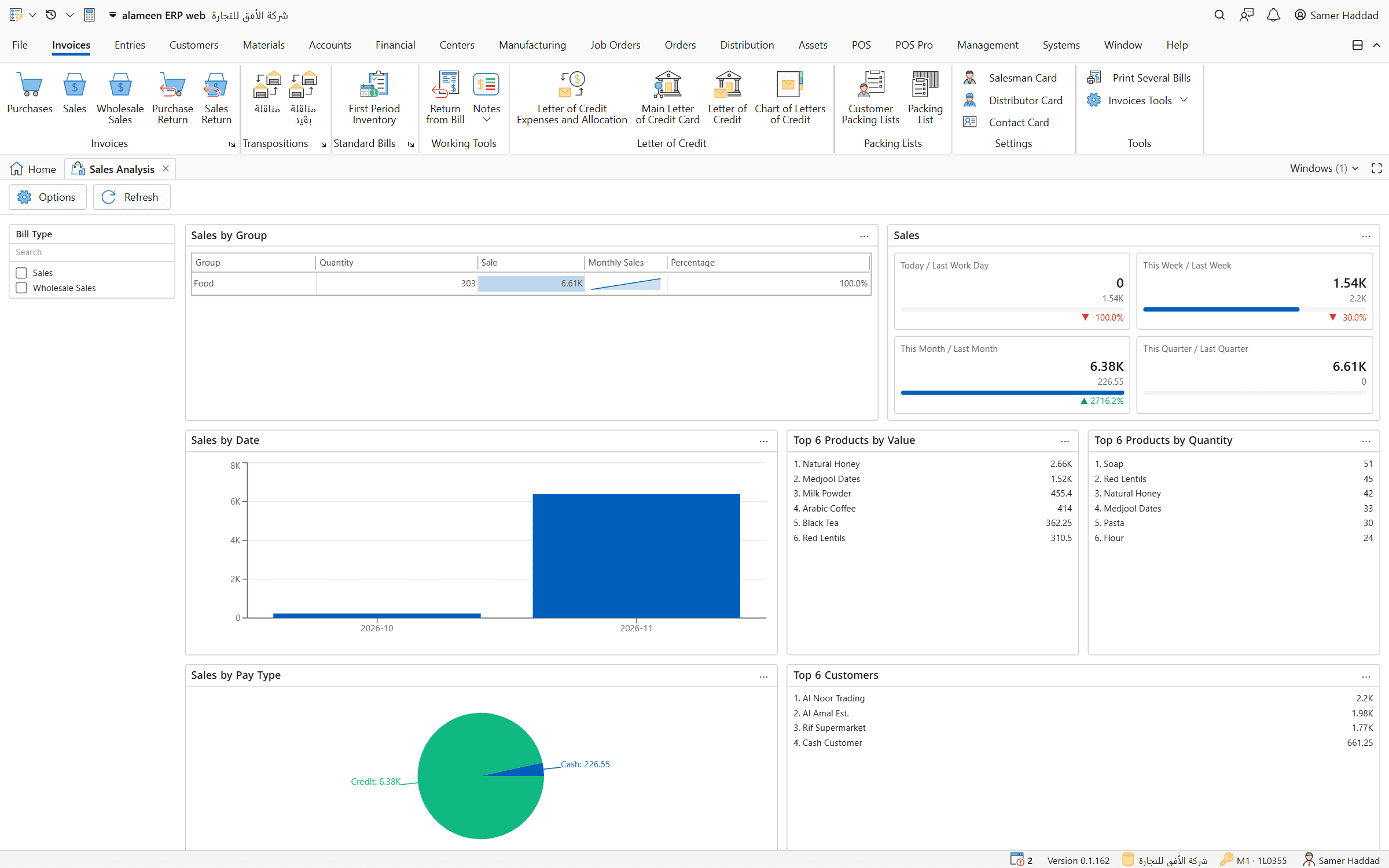
Grid, pivot, chart and dashboard on the same data, with drill-down to the document behind a number.
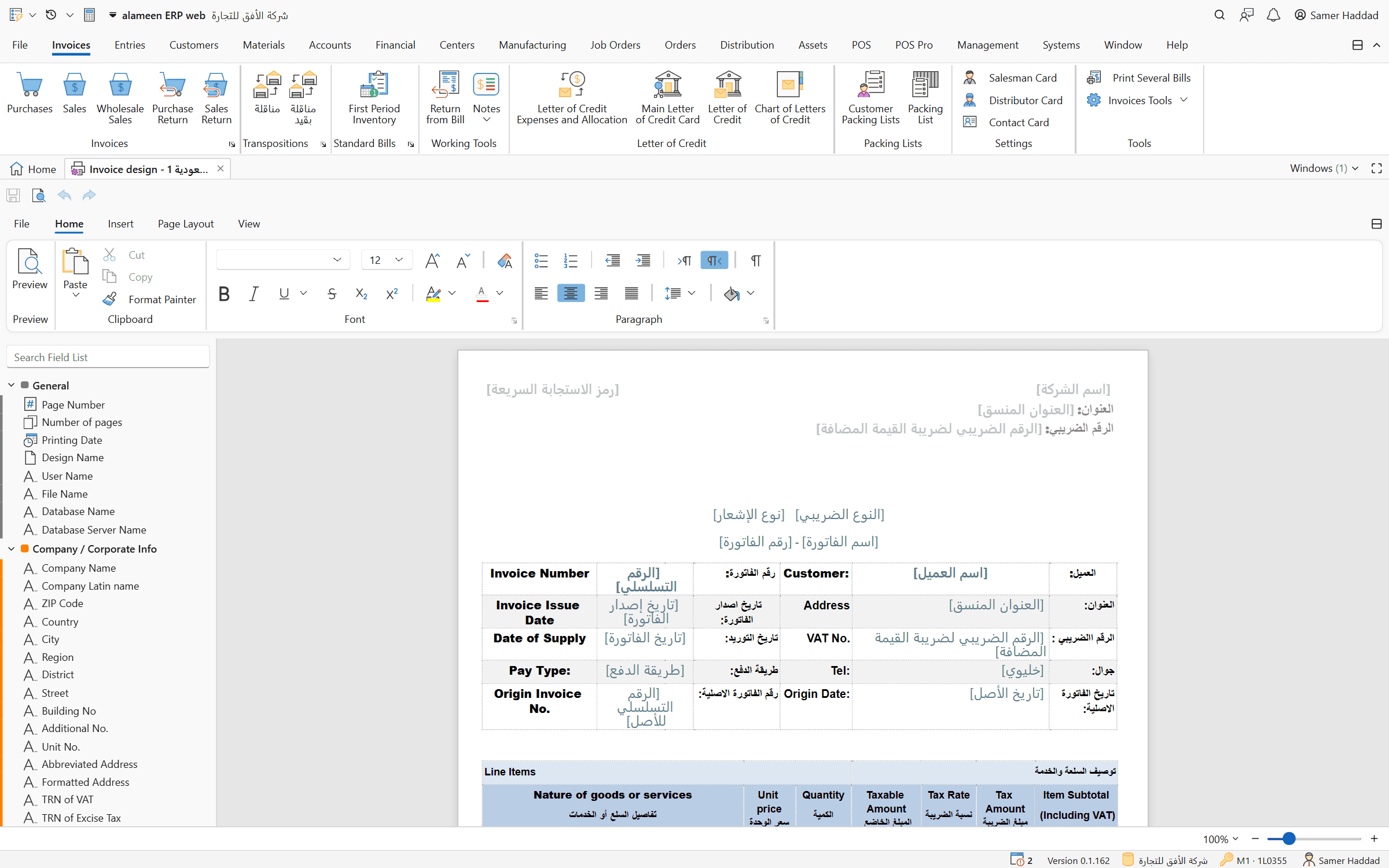
Ready-made designs or your own: amount in words, Hijri dates, 28 barcode types, any language.
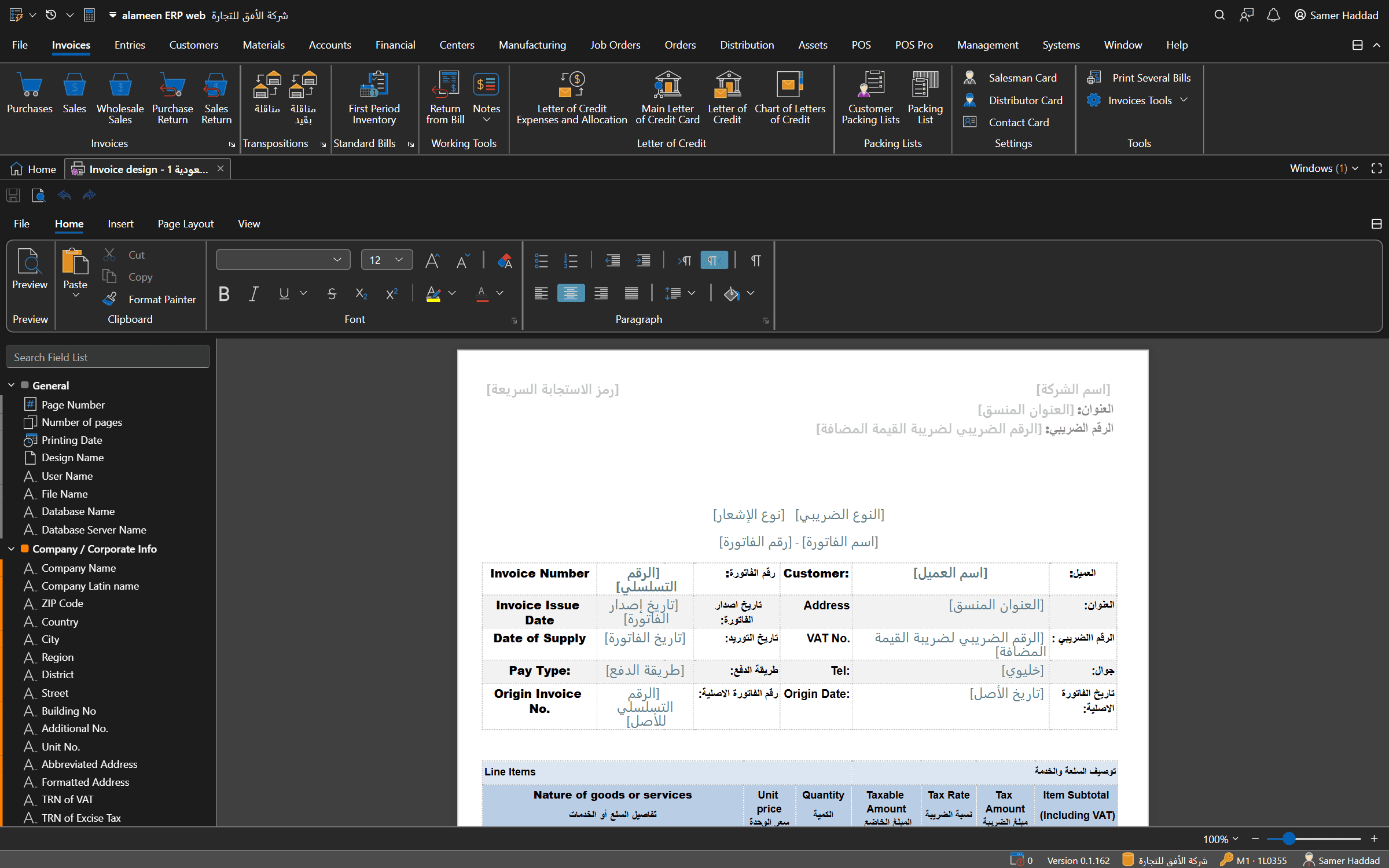
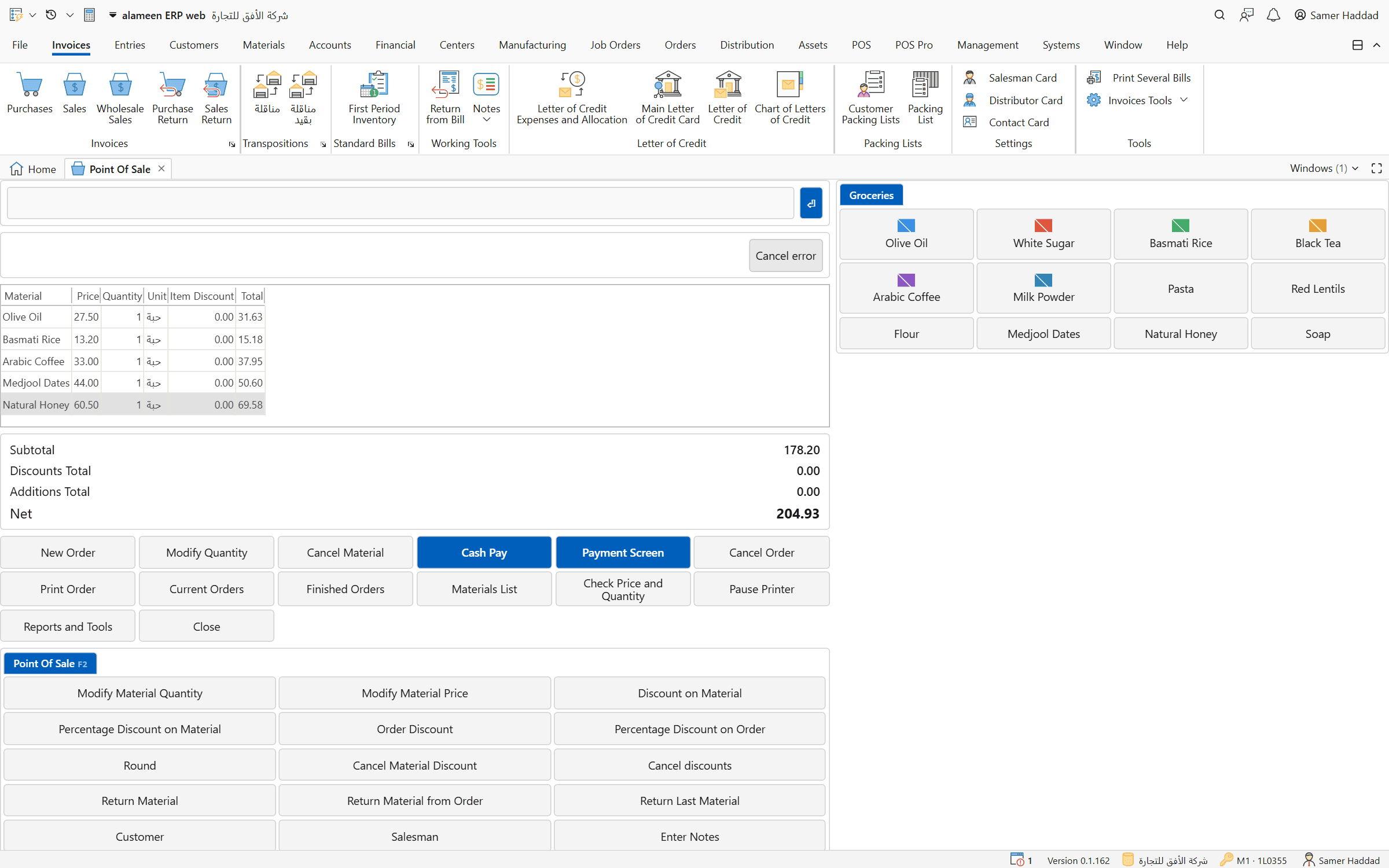
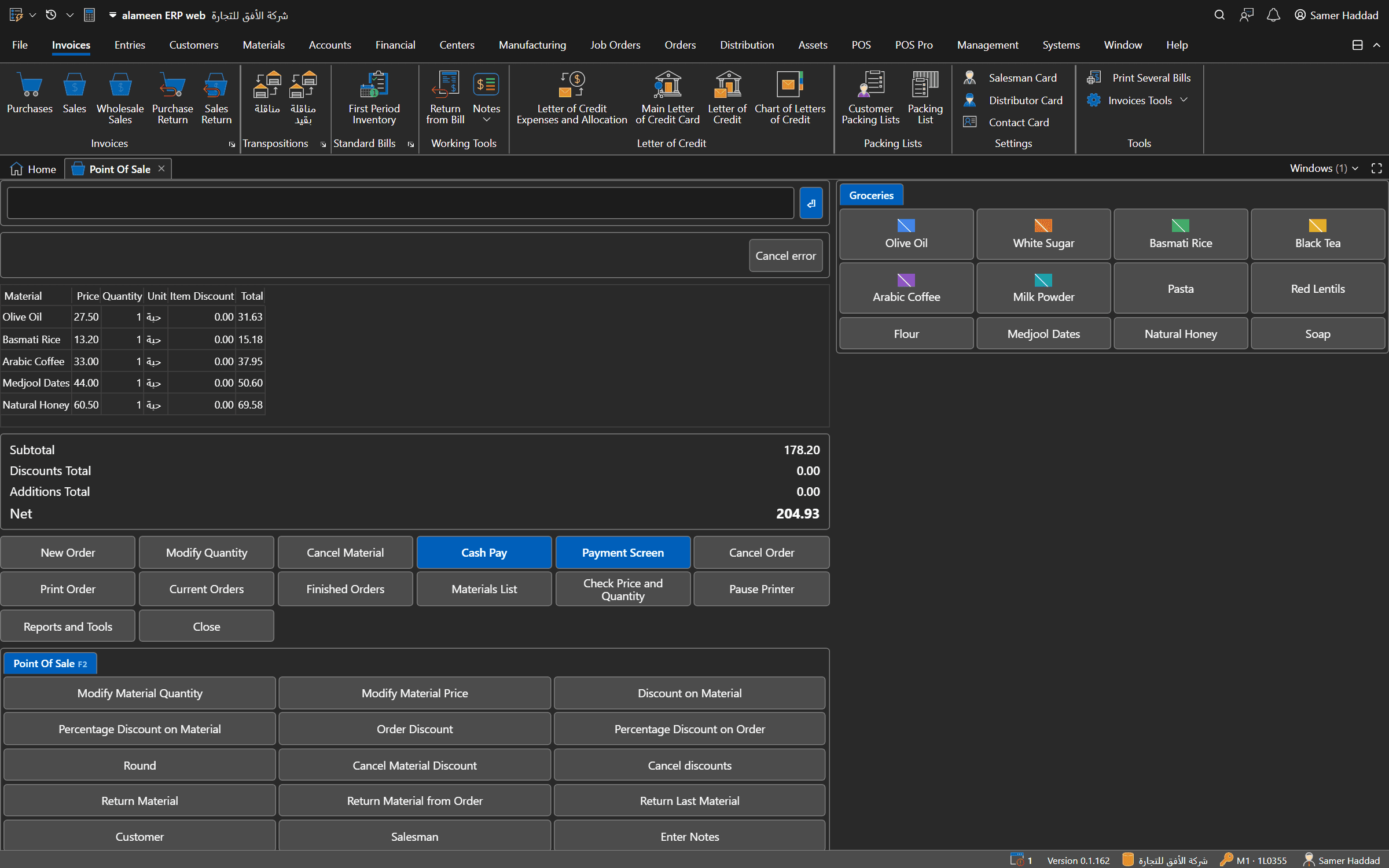
Barcode, scale and touch, split payments and offers, with stock and accounts updated on every sale.
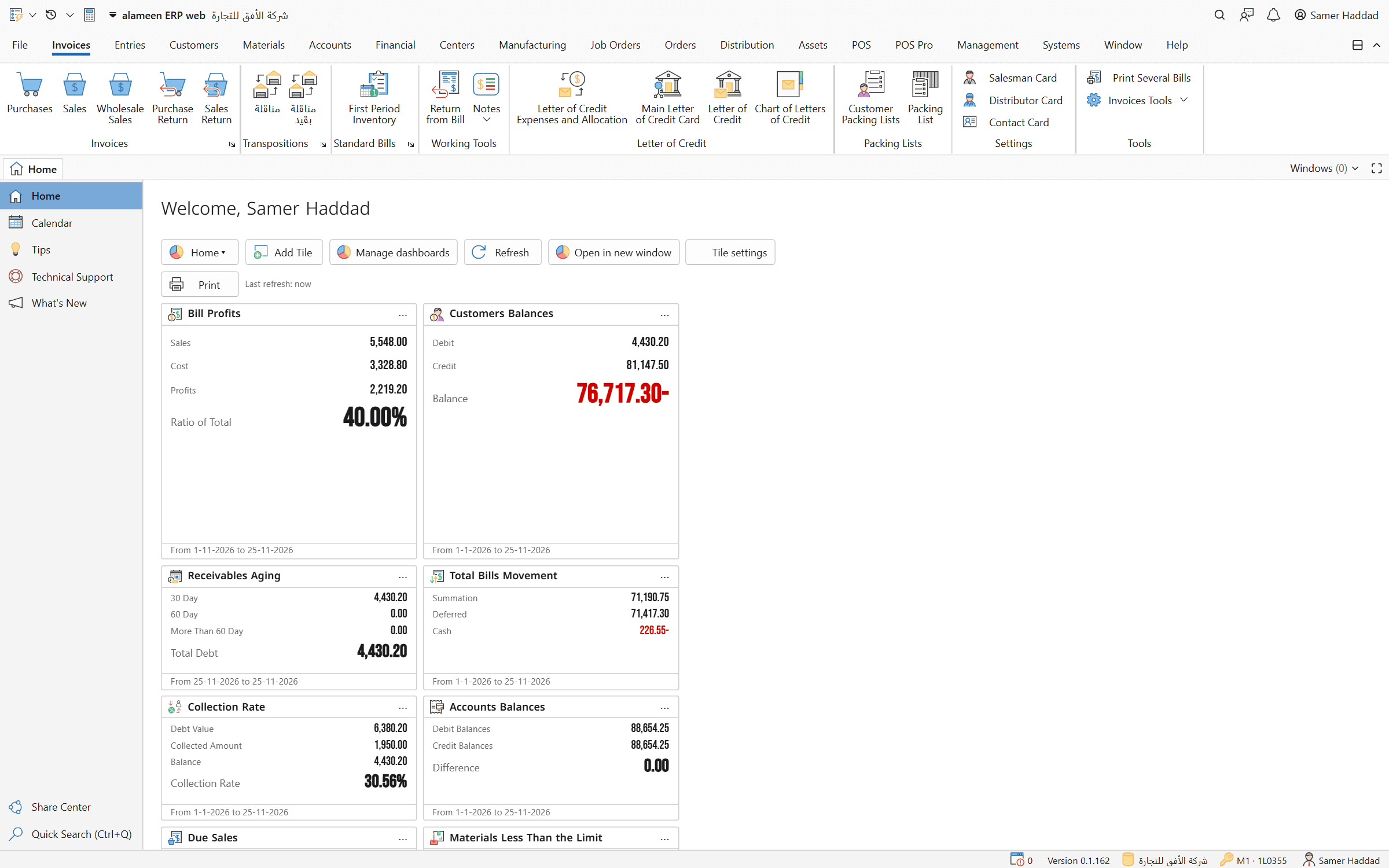
Pin live figures from 98 reports, in four sizes, across as many dashboards as you need.
Signed, sent and logged in your country's format, with a queue that retries for you.
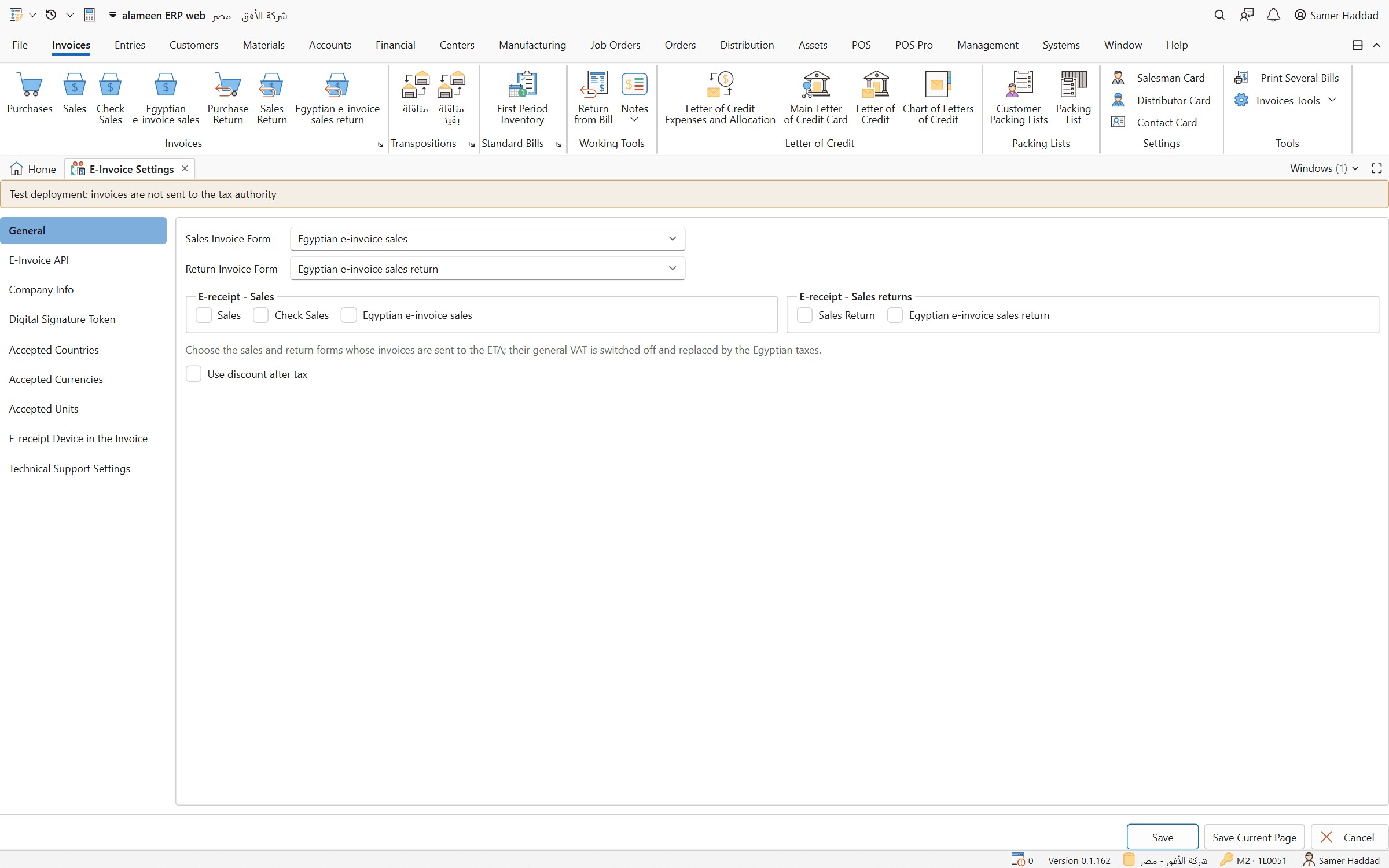
Send invoices and receipts to the ETA from the documents you already issue, and follow each one's status.
Explore E-invoicing and taxSend signed sales invoices and credit notes to the ETA e-invoicing system straight from the invoice, with the item codes and tax types it requires.
Issue e-receipts for sales to consumers and submit them to the Tax Authority.
The same system, set up for your industry from day one.
Upload your desktop backup; we run a dry run, check the totals against your own books, and import the whole company: accounts, entries, bills, items, customers and history.
Coming soon
Ask about your numbers, or how to do something in the system, in your own language. Aminai answers in plain words and takes you to the right screen.
Which customers have invoices due this month that aren't paid yet?
Aminai lists those customers and opens each one's account statement, filtered to the invoices that are due.
42 authorised partners in 19 countries install, train and support alameen customers in their own language.
Find your partneralameen ERP Web is a web application: you use it directly in your browser, on any device, and it was designed for the web from the start. The cloud service at cloud.alameensoft.com runs the alameen ERP 10 Windows program on our servers, and you reach it through a remote desktop session at yourcompany.alameen.cloud. Both keep your data off your own PCs. The difference is that alameen ERP Web is a native web app, not a desktop program delivered remotely.
Yes. Our team imports your alameen ERP 10 database into alameen ERP Web: accounts, entries, items, customers, suppliers and balances. Talk to us and we'll plan the move with you.
No. You need an up-to-date browser such as Chrome, Edge, Safari or Firefox. Point-of-sale devices attached to a PC, like receipt printers, scales and customer displays, connect through a small bridge app on that PC.
The interface is available in Arabic, English, French, Turkish, Chinese and Kurdish (Sorani), and each user chooses their own. Dates can be shown in the Hijri calendar next to the Gregorian one.
Every connection is encrypted, each company's data is kept in its own database, and backups run automatically. Contact us for the hosting location that applies to your country.
Yes. alameen ERP Web sends sales invoices and credit notes to the ETA e-invoice system and issues e-receipts for sales to consumers, with the item codes and tax types the Tax Authority requires.
You subscribe per company and pay monthly or yearly. You can move to another plan as your needs change. For cancellation terms, see the terms of service or ask our team.
Yes. Contact us and we'll arrange a guided demo of alameen ERP Web with sample data.
Talk to us about your company, your country and the modules you need. We'll show you alameen ERP Web running on data like yours.