UAE VAT (FTA)
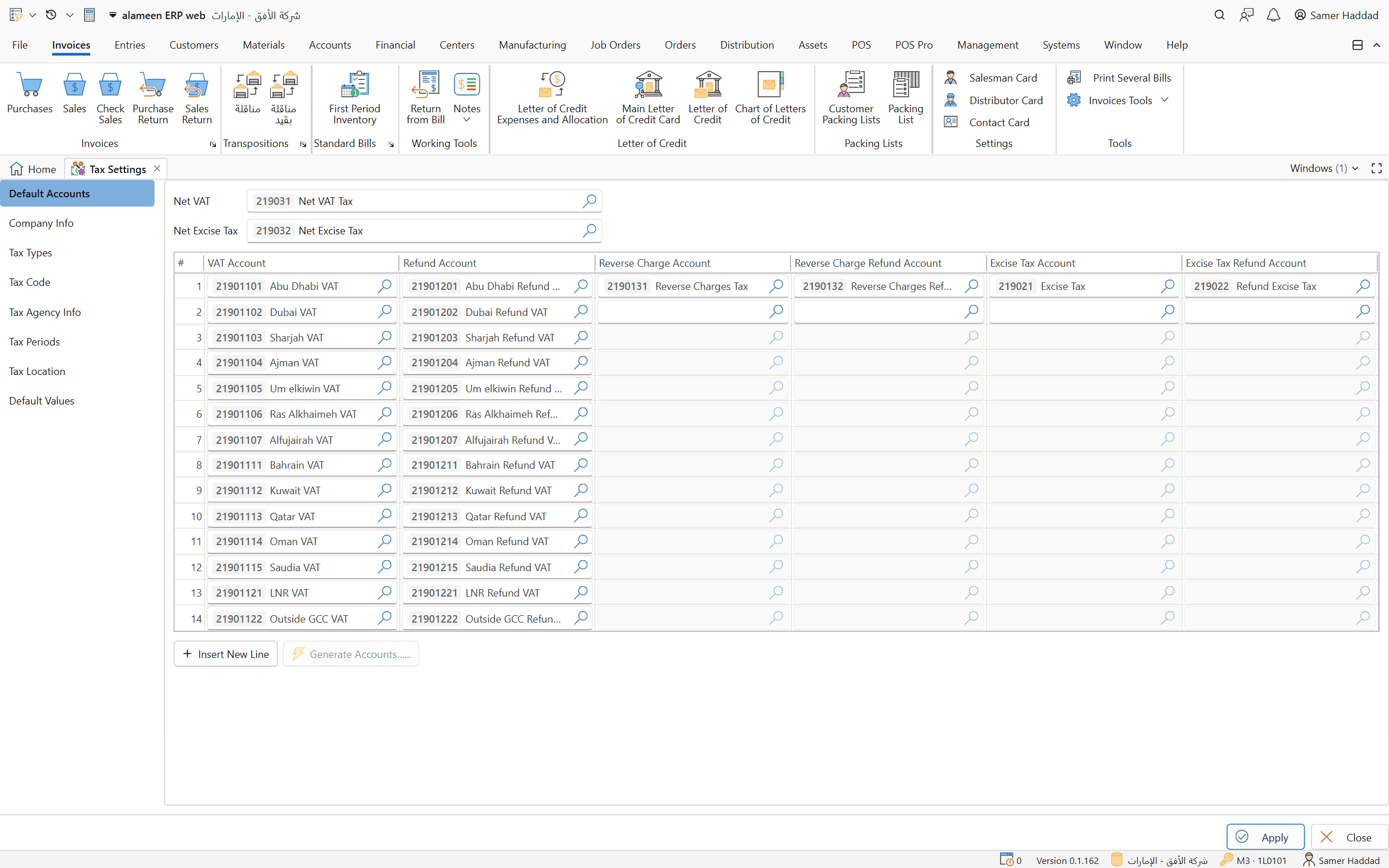
VAT on sales and purchases, tax codes on items and customers, and the figures you need for your VAT return to the Federal Tax Authority.
No separate portal, no copy-paste. The invoice you save is the e-invoice your tax authority receives.
Your team issues the invoice, credit note or receipt as usual.
alameen ERP Web builds the document in the authority's format and signs it.
A queue sends it and retries with back-off if the service is busy.
The response is logged; printing follows the document's valid state.
VAT on sales and purchases, tax codes on items and customers, and the figures you need for your VAT return to the Federal Tax Authority.
Send sales invoices and credit notes as structured e-invoices through an accredited service provider, and see received purchase invoices in their own window. Switched on per company when you're ready.
Talk to us about your company, your country and the modules you need. We'll show you alameen ERP Web running on data like yours.